

Document management is a constant operational challenge for personal injury law firms. When your team is sorting through hundreds of disorganized medical records, insurance letters, and liens, inefficient administrative tasks can waste valuable time and delay progress on active cases.
Selecting the best personal injury document management software for your firm is essential for keeping your workflows organized and your timelines on track.
This guide reviews seven leading document management tools for personal injury law firms in 2026. We’ll break down complete case management solutions, standalone document storage systems, and AI document processing tools to help attorneys, administrators, and paralegals build a cleaner, faster digital workspace.
What is personal injury document management software?
Personal injury (PI) document management software refers to digital platforms that personal injury law firms use to store, organize, track, categorize, and retrieve case documents. These solutions help plaintiff-side legal teams manage essential case files, including medical records, billing statements, insurance policies, and settlement documents.
This category is critical because personal injury cases generate extensive paperwork. A single motor vehicle or personal injury claim can involve hundreds of pages of medical and financial records. Without structured organization, documents can be misfiled, leading to missed treatment details or delayed filings.
While basic storage tools simply host files in a cloud folder, specialized document management software connects files directly to active cases, links medical bills to specific care providers, and tracks treatment timelines to streamline case preparation.
Top 7 personal injury document management software options
This list compares seven software platforms based on how well they support the document-heavy demands of personal injury work. We considered each solution’s ability to organize case files, improve document access, reduce manual effort, and support key PI workflows.
Note: 8am CasePeer and 8am MyCase are part of 8am ™, the publisher of this article.
1. 8am CasePeer
Best for: Personal injury law firms needing out-of-the-box document management and integrated practice management tools.
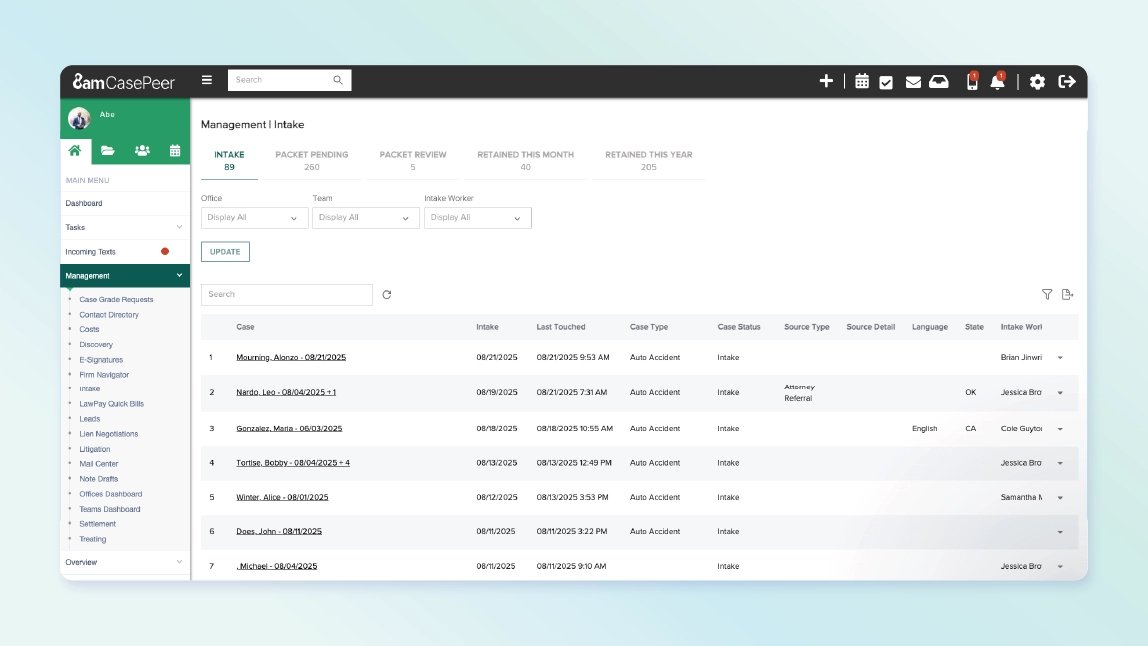
8am™ CasePeer is a personal injury practice management solution designed specifically for plaintiff practices, supporting cases from intake through settlement. Because the software is built specifically for personal injury workflows, document storage is directly linked to active matters. Files connect to relevant medical providers, treatment milestones, and assigned tasks, allowing paralegals and attorneys to locate specific bills or case records quickly within the matter.
Document records also connect directly to 8am LawPay for payment collection, so closing out a lien or settlement happens from the same case file where the documents live. Some personal injury case management solutions require a separate payment tool, adding extra logins and reconciliation steps. CasePeer keeps the entire process in one place.
The platform pairs document management with pre-litigation capabilities, including automated medical records tracking , statute of limitations alerts, and lien management tools. It’s well-suited for dedicated PI practices looking to centralize case documentation and track claim progress accurately. CasePeer customers report a 94% increase in productivity and 61% revenue growth on average.
Because CasePeer is tailored specifically to personal injury workflows, firms operating across non-injury practice areas may find its structured architecture less adaptable to general legal matters.
Key features:
-
Medical records and treatment tracking (providers, visits, procedures, and billing)
-
Centralized medical records request and follow-up tracking
-
Provider-linked record organization
-
Unlimited cloud storage included with all plans
-
Cloud storage integrations (Dropbox, OneDrive)
-
AI-powered Writing Assistant for polishing case notes and client communications (Pro and Advanced tiers)
Pricing: Subscription tiers are structured per user per month: Basic is $79/user/month, Pro is $119/user/month, and Advanced is $149/user/month.
2. 8am MyCase
Best For: Law firms that handle personal injury cases alongside other practice areas.
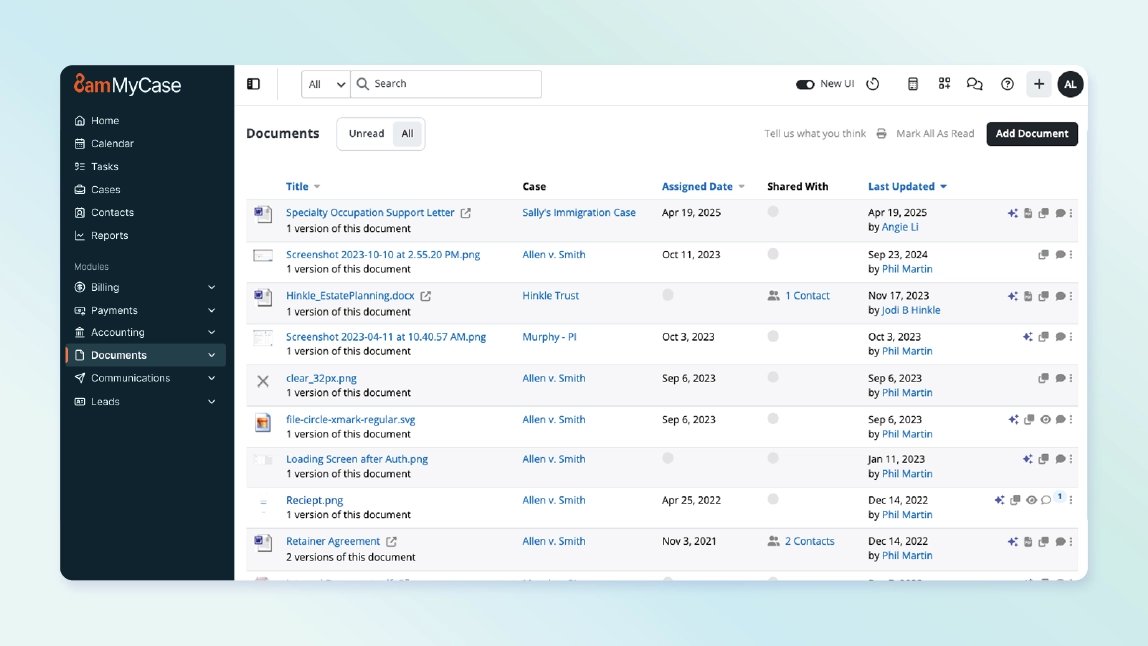
8am MyCase is a complete legal practice management solution with built-in document management tools. Firms can organize case files in a centralized location, securely share documents with clients, create documents from templates, collect electronic signatures, and collaborate on files without leaving the platform.
The MyCase Advanced plan includes 8am IQ , a suite of integrated AI assistants designed to speed up common personal injury document tasks:
-
Discovery Assistant : Automatically converts scanned documents into searchable text using optical character recognition (OCR), making large document collections easier to search, review, and analyze.
-
Document Assistant : Summarizes key facts, dates, and other details from case files, reducing time spent on reviewing lengthy documents.
-
Writing Assistant : Refines the quality and tone of written communications, including notes, client messages, invoices, and requests for funds.
-
Case Assistant : Answers questions about matters using data stored in MyCase, making it easier to locate notes, filings, timelines, and other case details.
In addition to document management, MyCase includes tools for case management, client communication, billing, payments, workflow automation, and calendaring in a single solution. Because it supports a wide range of practice areas, it's a good fit for firms that handle personal injury cases alongside other types of legal matters.
Practices looking for PI-specific tools, such as medical records management or settlement workflows, may benefit from a more specialized solution.
Key features:
-
Centralized document storage and version control
-
Built-in e-signatures and document automation
-
8am IQ AI tools (Document, Discovery, Writing, and Case Assistants)
-
Secure client portal for document sharing
Pricing: Annual plans range from $50 to $130/user/month.
3. NetDocuments
Best For: Midsize to large firms seeking standalone document management with robust security.
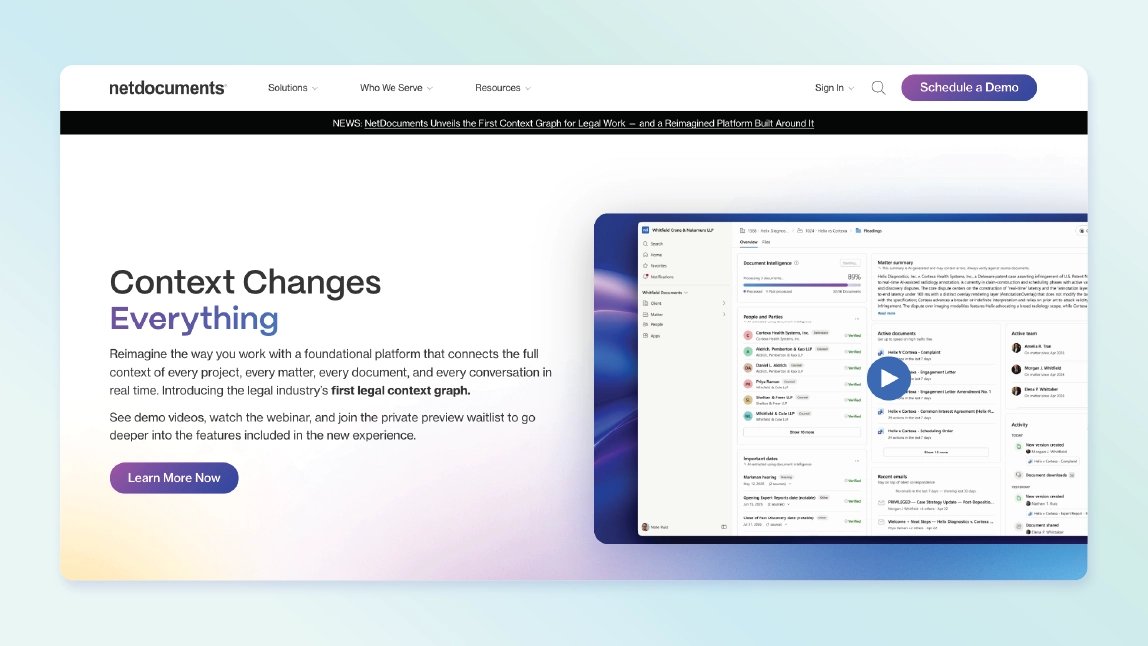
NetDocuments is a cloud-native document and email management system designed exclusively for document organization, storage, and retrieval. Unlike full practice management systems, NetDocuments focuses on file governance, offering comprehensive version control, audit histories, and secure document collaboration.
Because NetDocuments functions purely as a document management system rather than a legal practice management platform, law firms must pair it with a separate case management solution to manage practice workflows, calendaring, and billing. This is possible through its integration with MyCase .
Key features:
-
Advanced version control and user audit logs
-
Direct email and attachment filing from Microsoft Outlook
-
Secure file link sharing and live document co-authoring
-
Full-text search with built-in OCR (optical character recognition) for scanned PDFs
Pricing: Pricing is customized based on user count and firm requirements, with per-user subscription fees alongside implementation and setup costs.
4. Foundation AI
Best For: High-volume practices looking to automate document intake and data extraction.
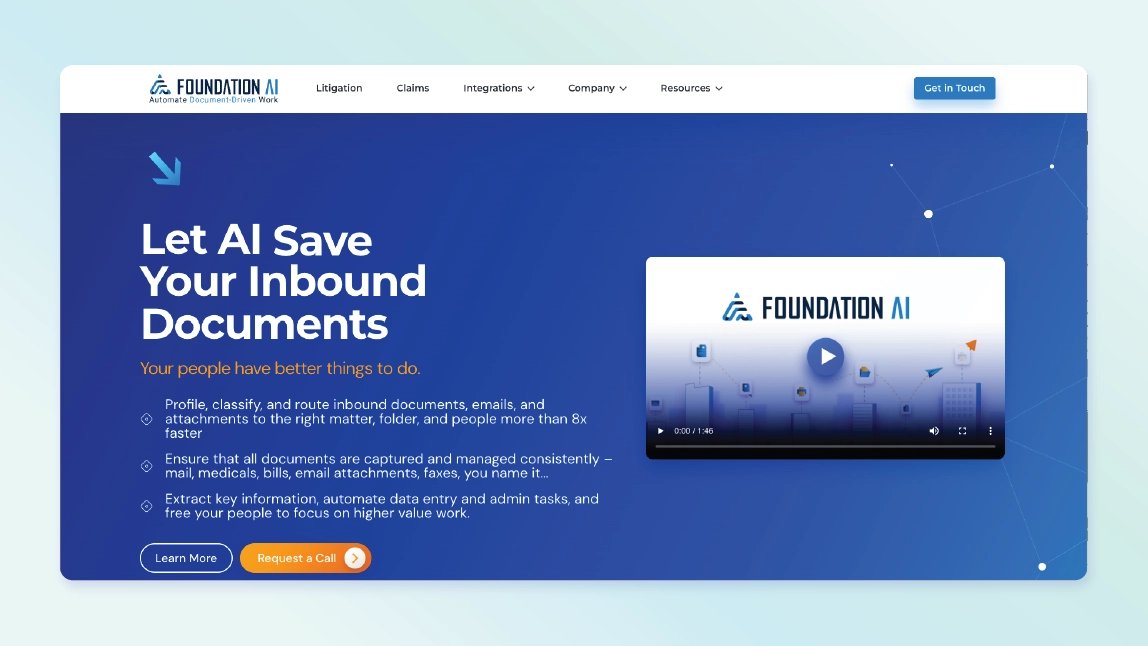
Foundation AI focuses on automating the processing of incoming legal documents. It acts as an intelligent digital mailroom, reading incoming scanned PDFs, faxes, and emails. It automatically splits multi-page files, tags document types, extracts key data points (such as dates, names, and provider information), and indexes files.
Foundation AI operates strictly as an AI-powered document processing layer rather than a standalone legal practice management solution. To access features such as calendaring, billing, client portals, and case management tools, firms must use Foundation AI alongside a practice management solution, such as its integration with CasePeer .
Key features:
-
Automated document classification and indexing
-
Medical record data parsing and extraction
-
Automated file naming and splitting
-
Direct case management integration pipelines
Pricing: Custom pricing available upon request through sales consultation.
5. SmartAdvocate
Best For: Mid-market mass tort and litigation practices requiring heavy physical batch scanning.
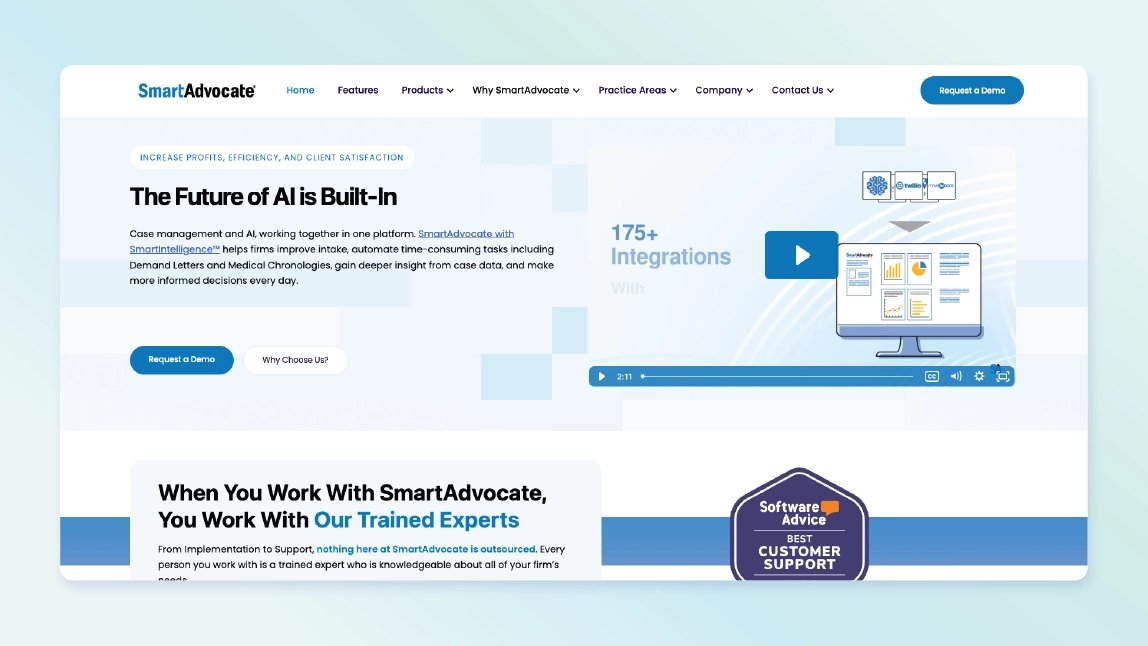
SmartAdvocate is a case management platform designed for high-volume litigation and mass tort practices. Alongside its core case management suite, it offers specialized physical document processing capabilities. By printing matter-specific barcode cover sheets to place between physical documents, staff can scan large paper batches at once—allowing the system to automatically separate, categorize, and file each document directly into the correct client matter.
Due to its extensive feature set and database layout, new users may experience a learning curve during setup and onboarding. System responsiveness can also vary when managing particularly large document repositories.
Key features:
-
Barcode-driven batch document scanning using cover sheets
-
Customizable document categorizations
-
Case phase and document tracking
-
Document automation and template building
Pricing: Not publicly listed. Starting price estimated at $109/user/month, plus setup and implementation fees depending on firm size. Also offers an on-prem option with estimated pricing starting at $1,995.
6. CloudLex
Best For: Plaintiff PI practices seeking cloud file storage with Microsoft 365 integration.
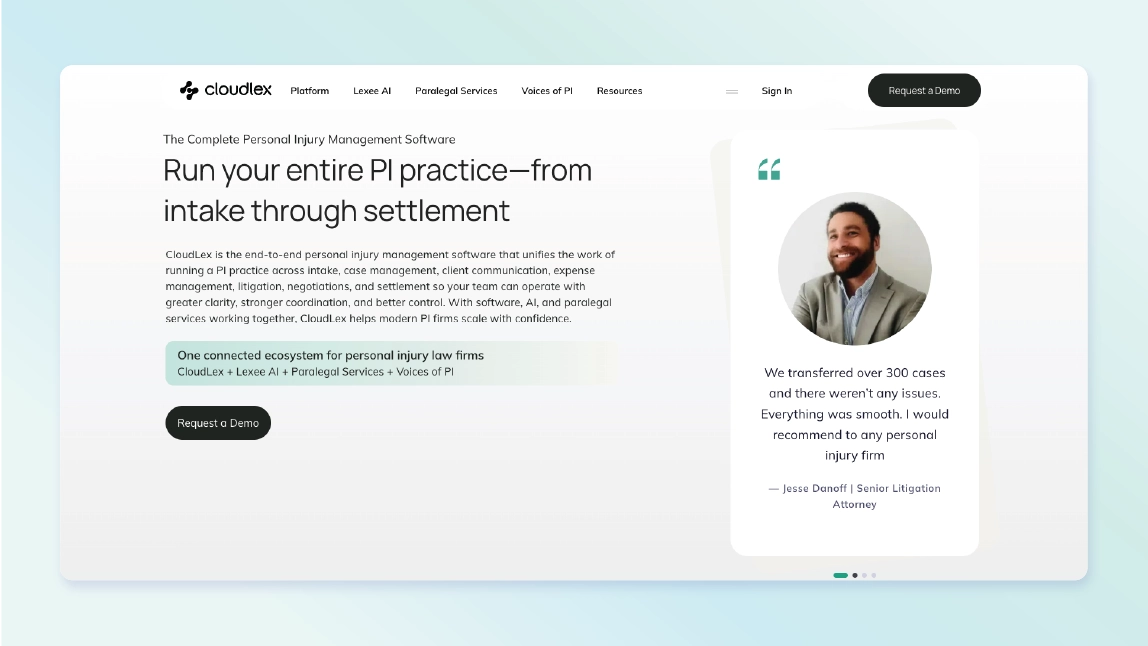
CloudLex is an all-in-one case management ecosystem built for plaintiff personal injury law firms. It links natively with Microsoft 365. Staff can co-author Word, Excel, and PowerPoint documents in real time directly within the platform, or use the CloudLex for Word add-in to edit files offline and automatically sync updates and new drafts back to the specific case matter.
Additionally, two-way Outlook and Calendar synchronization automatically captures email threads, contacts, and scheduling events, tying them directly to client files without manual entry. CloudLex also offers a paralegal service that assists firms with tasks such as medical records retrieval and document indexing (for an additional fee).
Because CloudLex is optimized for the Microsoft ecosystem, firms heavily reliant on Google Workspace or alternative suites might not experience the full benefit of its native document workflows.
Key features:
-
Real-time document co-authoring via native Microsoft Office integration
-
Dedicated CloudLex for Word add-in for offline drafting
-
Automated Outlook email and calendar synchronization
-
HIPAA-compliant storage and data archiving hosted on Microsoft Azure
Pricing: Custom quotes based on firm size, module selection, and user count (typically billed annually). Additional fees for implementation and increased storage.
7. Filevine
Best For: Larger firms needing a highly customizable practice management environment.
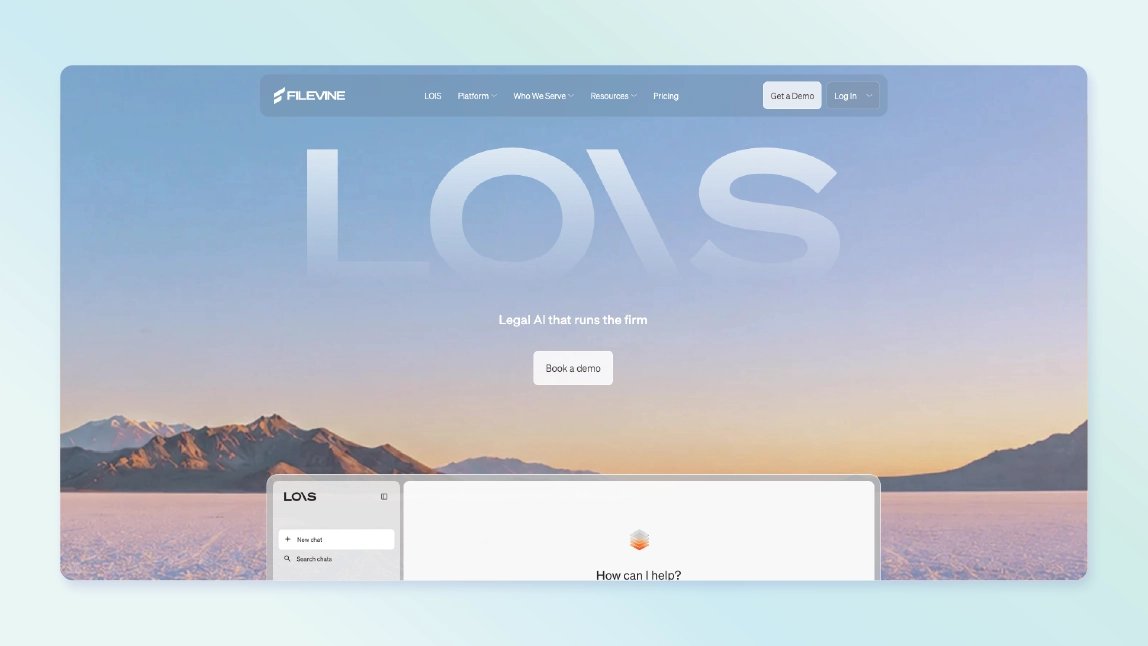
Filevine is a customizable legal work platform designed to scale alongside expanding personal injury practices. It offers native and add-on document management capabilities. With the Docs+ add-on, customers can transform static files into dynamic assets with built-in optical character recognition (OCR). This enables teams to search the full text of scanned medical records, depositions, and PDFs across entire case files.
Filevine customers with the Outlaw add-on can use Filevine Doc Assembly (FVDA) to support document creation through assembly templates, allowing staff to auto-populate complex legal forms with case data in seconds. However, because Filevine is extensive and highly configurable, smaller firms or those seeking an out-of-the-box solution may find the initial setup and template building resource-intensive.
Key features:
-
Full-text OCR indexing for rapid searching across all case PDFs and scanned records (with the Docs+ add-on)
-
Automated document generation using dynamic, customizable templates (with the Outlaw integration)
-
Inline PDF editing, redacting, and annotation directly within the case feed
-
Role-based document access controls and permission settings
Pricing: Custom quote based on module selection, custom integrations, and total user seats.
How to choose the right personal injury document management software
Selecting the right personal injury law document automation software comes down to identifying where your team wastes the most non-billable time.
PI workflow alignment
All-purpose document storage tools designed for general commercial use often lack personal injury-specific functionality. Choose platforms designed specifically for plaintiff practices, or general legal tools with customizable configurations, so paralegals can track treatment, organize provider records, and manage liens efficiently.
Document automation vs. document storage
Identify your primary operational needs. If your main goal is to organize files systematically across cases, prioritize platforms with case-linked file trees and provider indexing. If your firm is looking to reduce manual drafting time, consider solutions with document assembly and template automation capabilities. Some tools can handle both. For a deeper look at this distinction, read our analysis on how to streamline personal injury case management with legal document automation .
Scalability and total cost of ownership
When evaluating software costs, look beyond base subscription rates. Consider potential implementation fees, data migration costs, add-on modules, and storage limits to accurately calculate long-term investment.
Key features to look for in personal injury document management software
To keep your cases moving efficiently, make sure your prospective platform includes these foundational features:
Case-linked document organization
Documents should be organized inside active matter files. Instead of maintaining separate storage repositories, records should connect directly to medical providers, active tasks, and case timelines so team members can access relevant files quickly. To learn more, view our guide on legal document management .
Medical records and treatment tracking
Medical charts form the evidentiary backbone of an injury claim. Practice software should embed medical records directly into your practice workflow. This allows you to track ongoing treatment dates, manage dynamic medical liens, and flag gaps in client care immediately so your demand letters remain accurate and fully supported. For more tips, explore our checklist for medical records management .
Automated task and deadline management
To prevent missed deadlines, document management software should support automated triggers. When new documents or milestones are added, the system should assign downstream tasks and update calendar reminders automatically.
Integration with AI document processing tools
Modern law firms rely on specialized legal technology. Ensure your primary document or practice management solution supports flexible integrations with AI document tools—such as CasePeer integrations with EvenUp or Supio —to pass processed documents seamlessly into case files.
Why CasePeer stands out for personal injury document management
8am CasePeer integrates document management directly into the personal injury case lifecycle. By linking files directly to medical tracking, treatment logs, and automated milestones, it reduces administrative friction and supports accurate case preparation.
With clear pricing tiers and out-of-the-box personal injury configurations, CasePeer provides structured document organization without complex technical setup.
Ready to build a cleaner, faster workspace for your firm? Book a demo with CasePeer today.
About the author

Gabriela is a creative and results-driven SEO specialist dedicated to helping small businesses and professional service firms excel online. She leverages over six years of digital marketing experience to provide in-depth, authoritative content required for regulated industries like accounting and legal technology. Her work focuses on bridging complex financial and compliance topics with clear, actionable guidance. The core aim of her content is to deliver compliant, data-driven strategies that help practitioners streamline their operations, maximize firm cash flow, and grow their online presence.